Budgeting by Constructable
Construction budgeting software for general contractors
See budget, committed cost, and actual cost for every cost code in one grid. The budget updates as your team enters commitments, change orders, invoices, and receipts, so you know where the job stands without rebuilding a spreadsheet. Budgeting comes with the Field, Project, and Financial Management plan, at a flat monthly price with unlimited users.
Budget setup
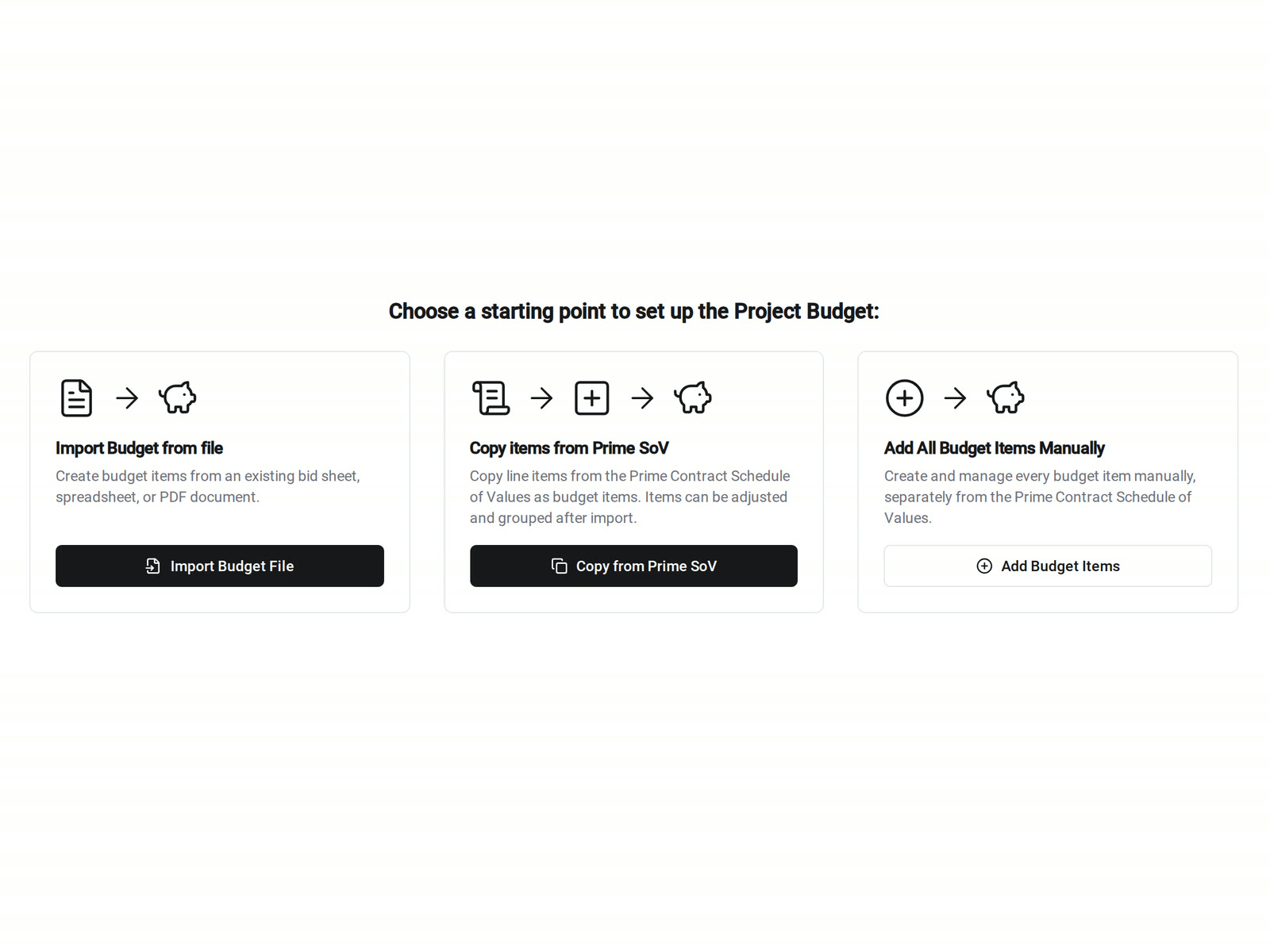
Start from the numbers you already have
Our construction budgeting software builds the budget from your estimate, so you don't retype it. Each line gets a Budget Code, which is a cost code plus a cost type.
• You have a bid sheet: import a spreadsheet or PDF, and Constructable creates the budget lines from it
• You have the owner's SOV: copy the Prime Contract SOV lines as a starting point, then adjust them to cost
• You're starting fresh: add lines by cost code, cost type, and subproject
Budget Modifications
Lock the original budget and track every change
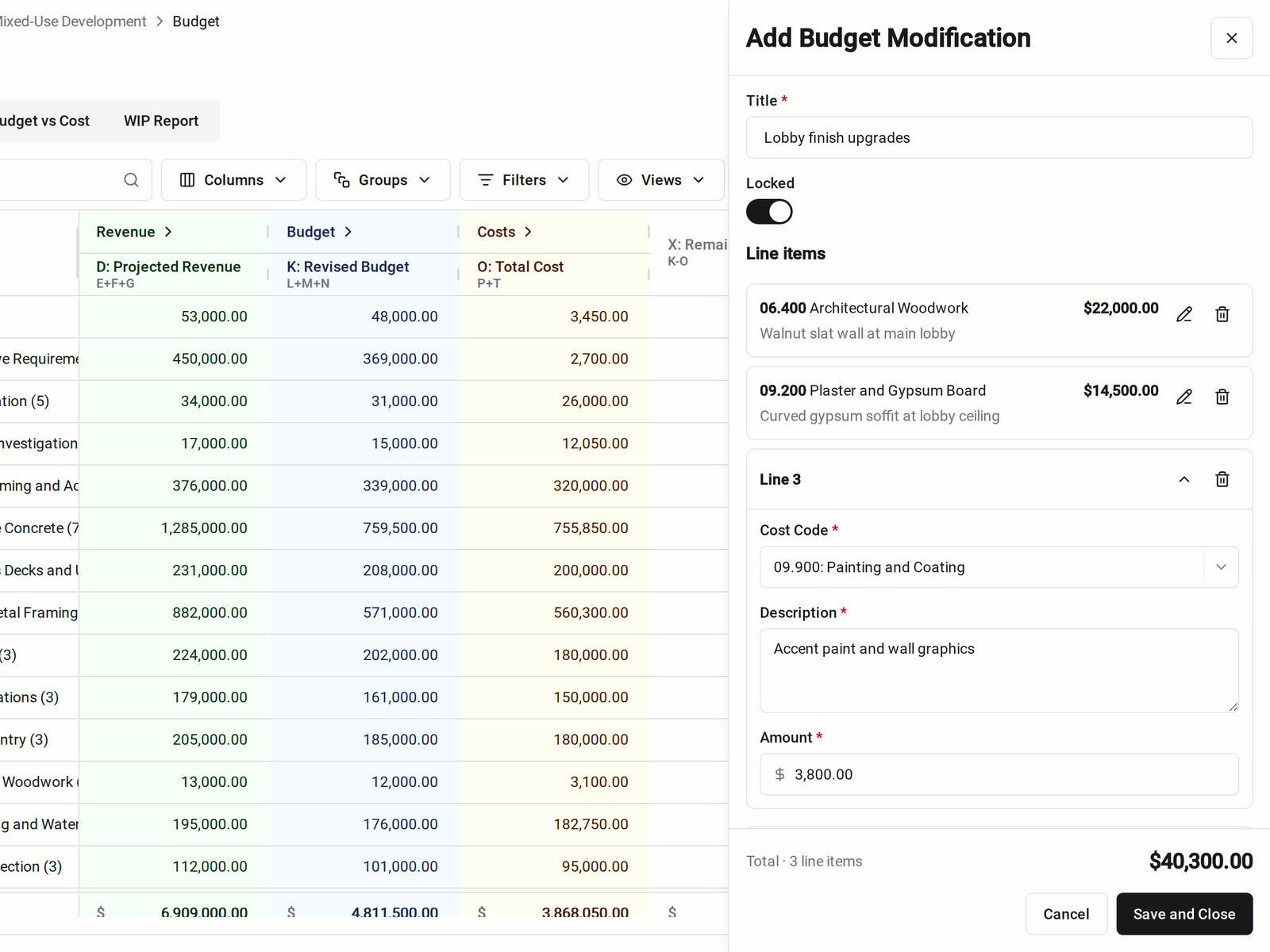
The Original Budget stays as your baseline. Approved changes go in as Budget Modifications, so the Revised Budget shows how the job got from bid to today.
• The owner approves a change order: when the Prime Change Order becomes billable, it adds a locked Budget Modification
• An approved amount was wrong: add a negative line in a new modification, so the original value and the correction both stay on record
• Protecting approved values: lock the Original Budget and each modification. Unlocking takes its own permission
Budget vs. actual
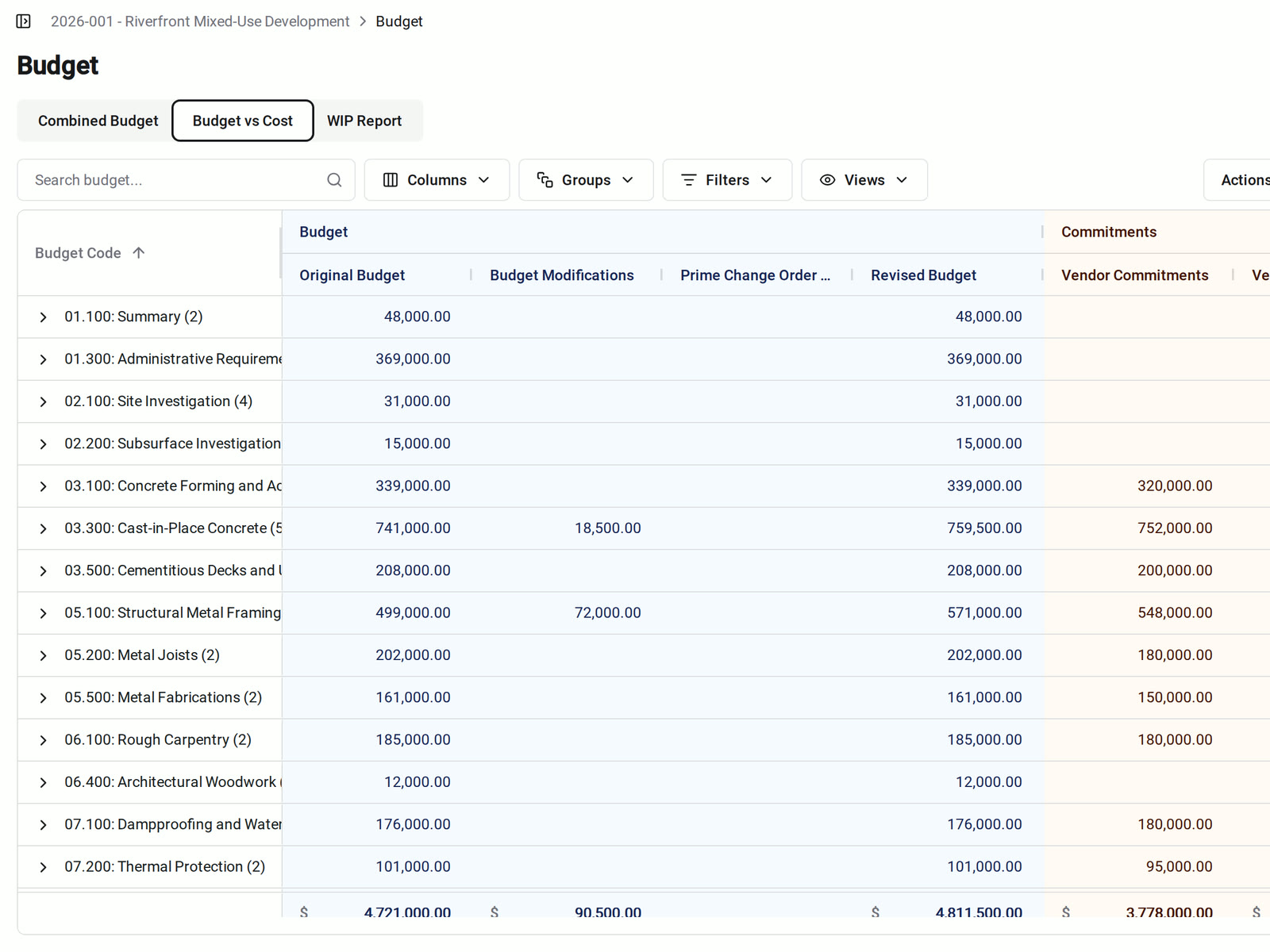
Budget vs. actual cost, by cost code
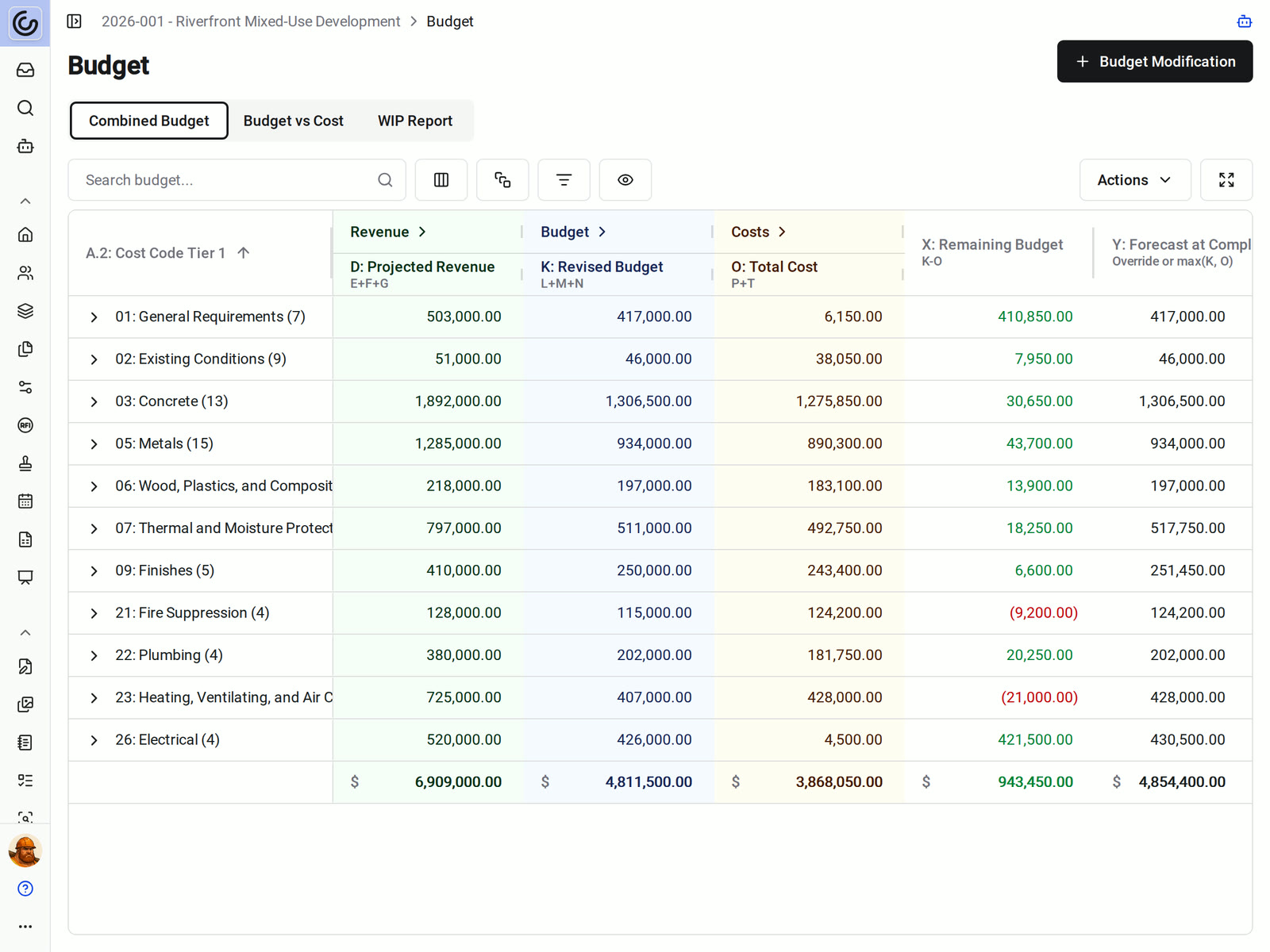
The Budget vs Cost view puts the original and revised budget next to vendor commitments, vendor invoices, non-committed costs, and actual cost for each Budget Code. Combined Budget adds the owner side: Prime SOV, Prime Change Orders, and revenue, with Over/Under on every line.
• Job costing by division: group by Budget Code, by cost code alone, or roll up by cost code division
• Pending change orders: choose whether totals include them. Excluded values stay visible in italics
• Costs outside a contract: receipts count as non-committed costs on the same Budget Code
WIP report
See over and under billing on every job
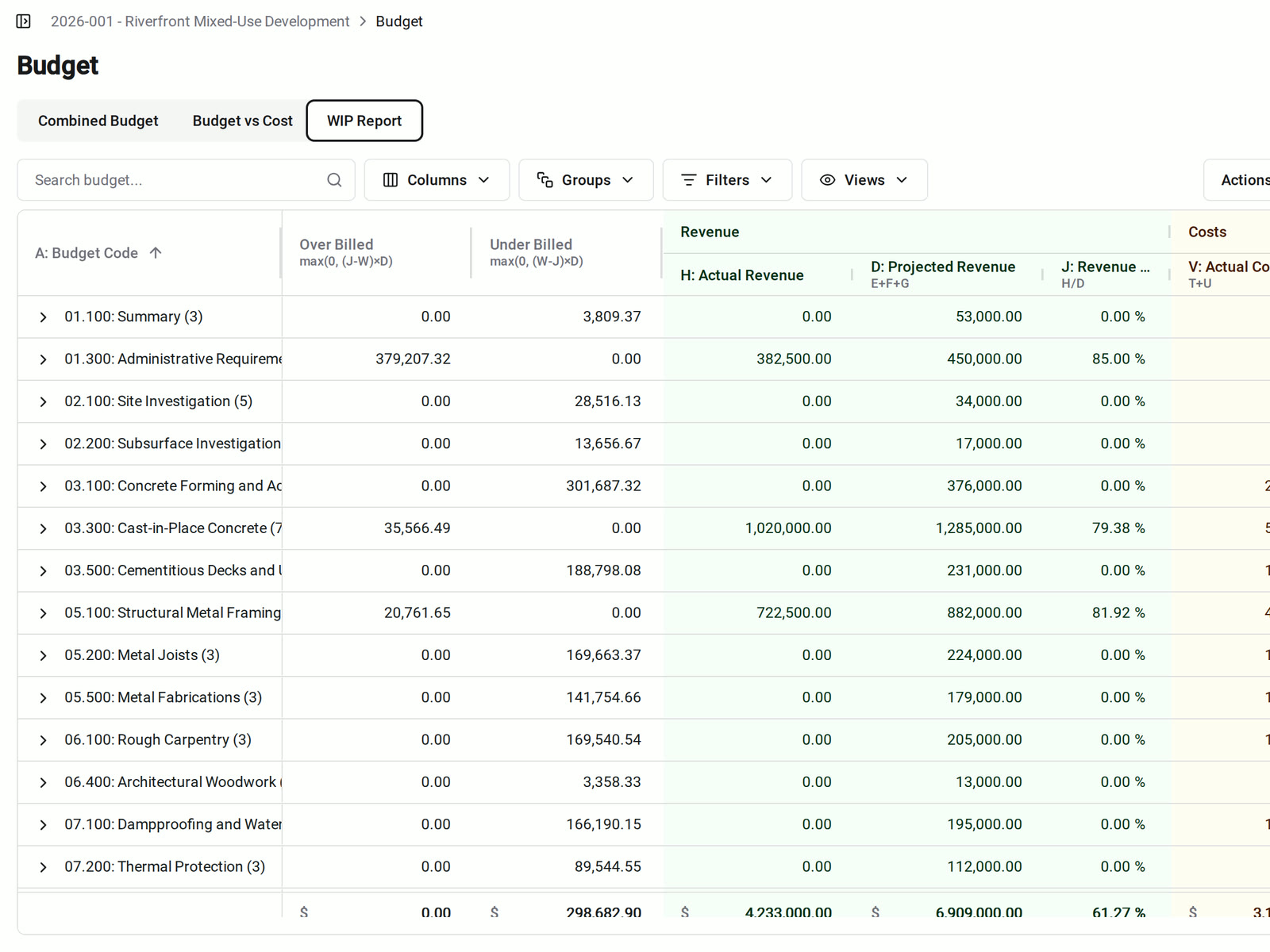
The WIP Report compares what you've billed with the work you've completed. It shows Over Billed and Under Billed for each Budget Code, next to revenue and cost percent complete.
• Across the company: the organization WIP Report shows the same columns with one row per project and a totals row
• Digging into a job: open a project from the organization report to go straight to its Budget
• Month-end review: export the WIP Report as a PDF or CSV
Cell breakdown
Click any number to see where it came from
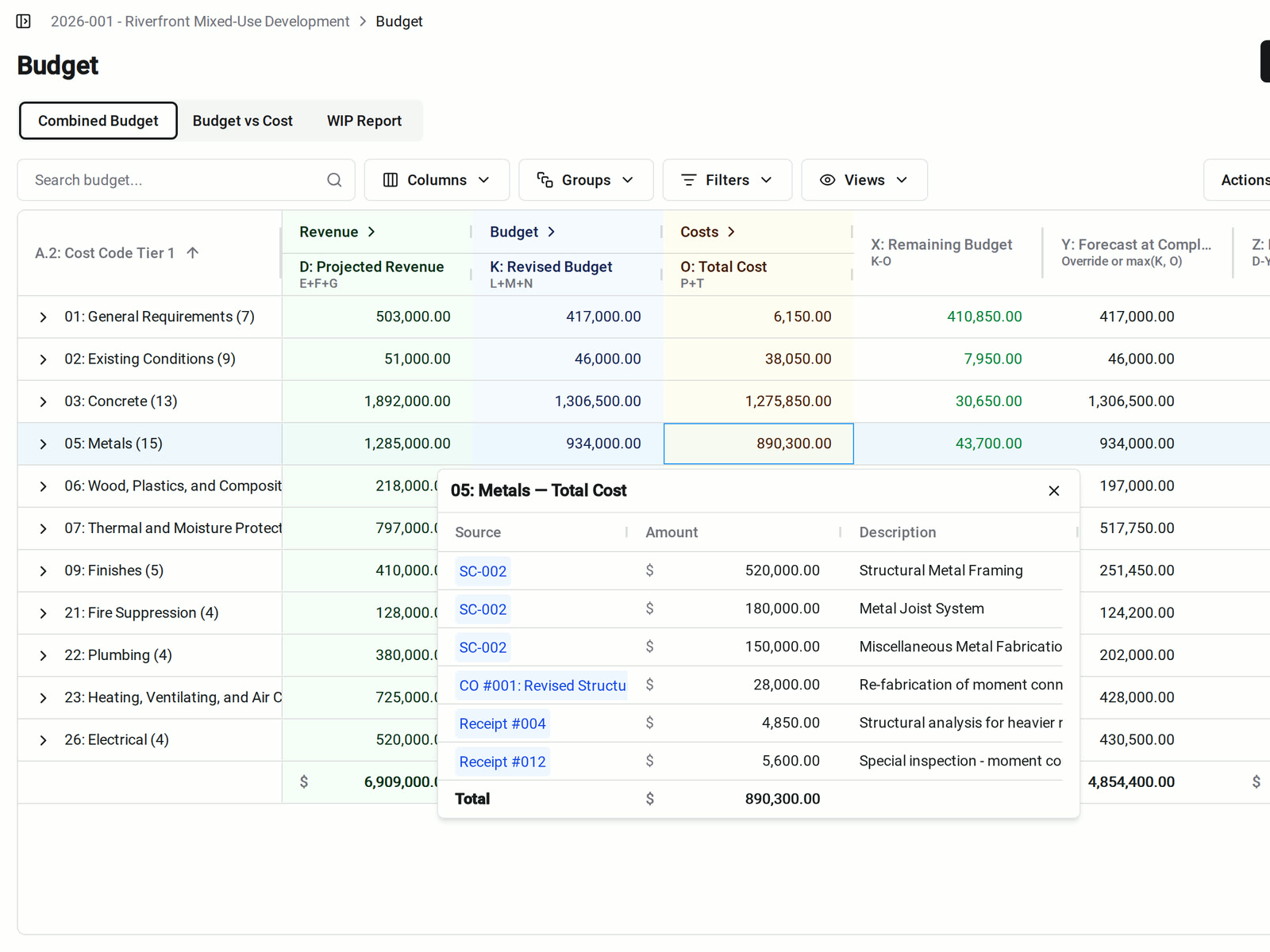
Click a money total on Combined Budget or Budget vs Cost. A breakdown lists each source with its amount and description, and you can open each source record in a new tab.
• A cost looks high: see the subcontracts, change orders, and receipts behind it
• Explaining a total: show the owner or your CFO the records that add up to it
• Tracing a change: the activity log shows changes to the budget, commitments, change orders, and forecasts by date
Forecast at Completion
A forecast you can explain
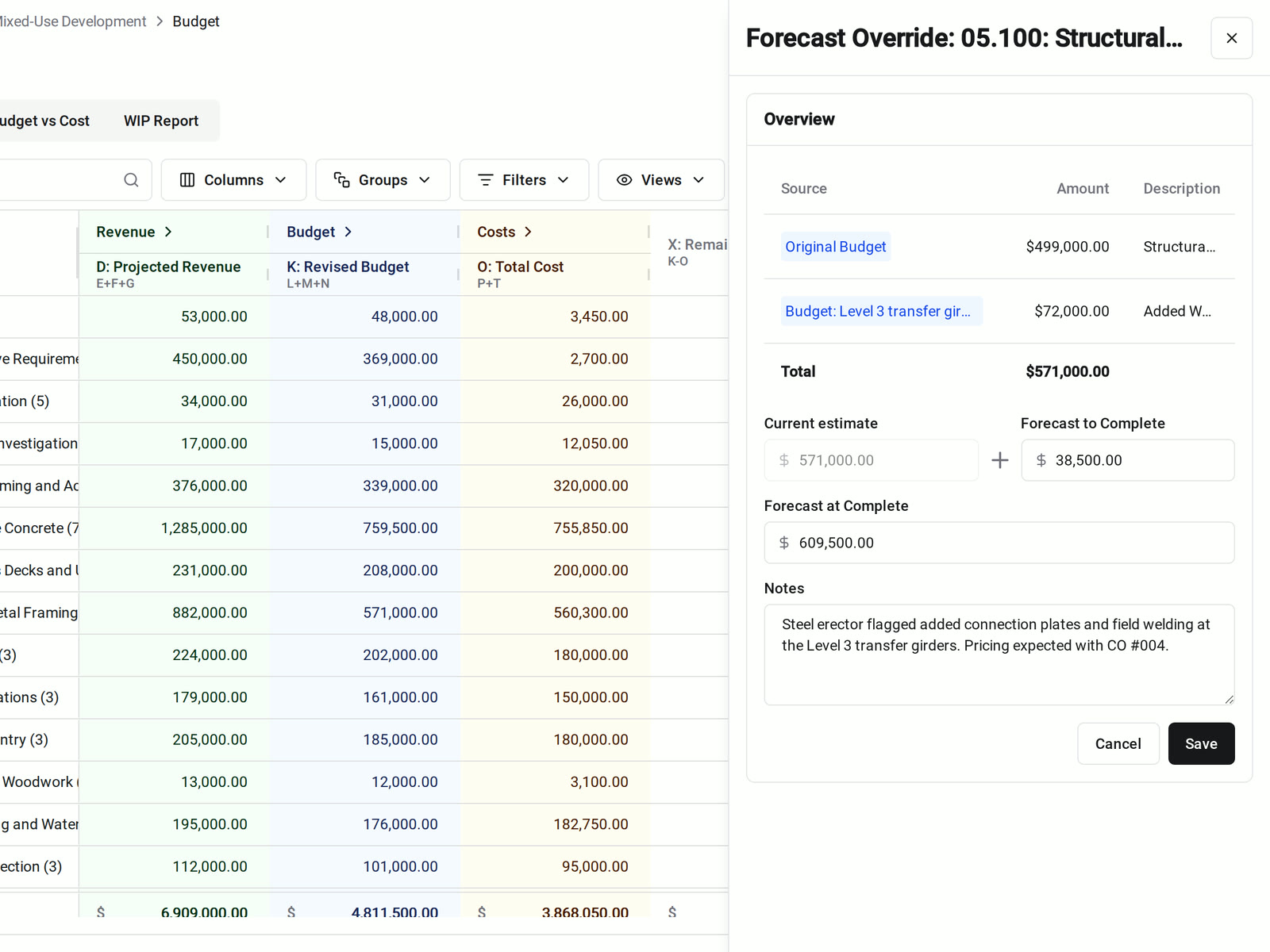
Forecast at Completion starts from the greater of revised budget and cost to date. When your PM knows about cost that isn't in the records yet, they override it and say why.
• Known cost, no paperwork yet: enter the Forecast to Complete, and the Forecast at Completion follows
• Keeping the reason: add a note to the override, and the note appears in the budget report
• Assumption on hold: turn an override off to keep the note without applying the number
Accounting integrations
Works with Sage Intacct and QuickBooks Online
Constructable runs the project budget. Your accounting system stays the book of record.
- Sage Intacct: project estimates can create the Original Budget or Budget Modifications, and cost codes sync both ways.
- QuickBooks Online: approved owner invoices can sync as QuickBooks Invoices and approved subcontractor invoices as Bills. QuickBooks Bills and Purchases can come in as receipts that count toward actual cost.
- Learn more: read how to use Budget in our Help Center.
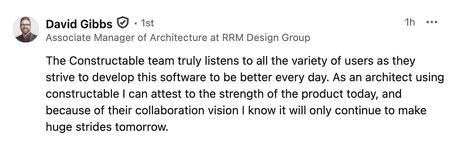
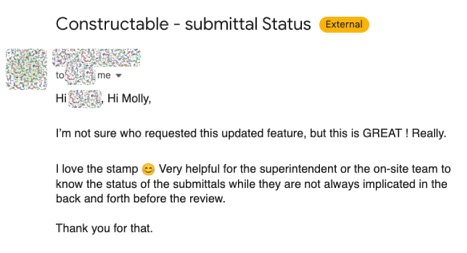
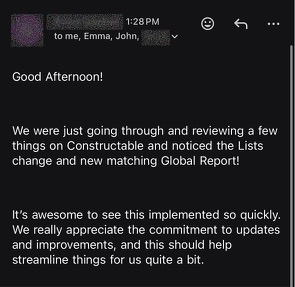
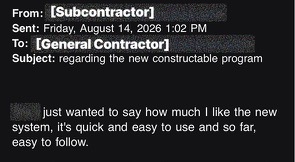
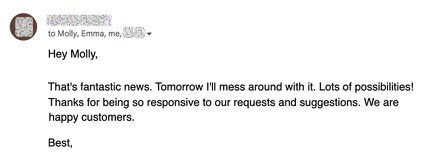
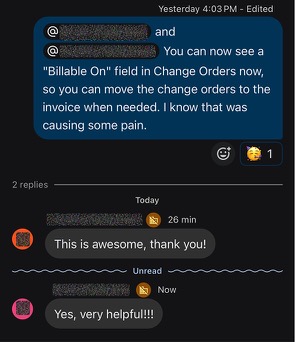
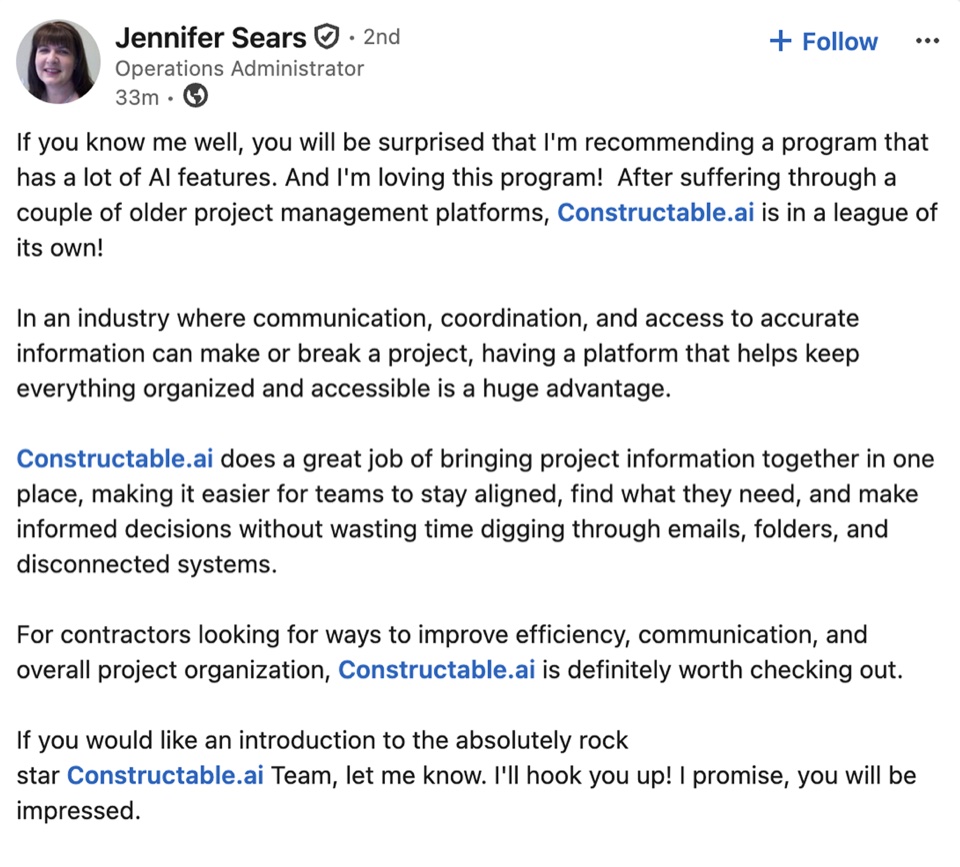
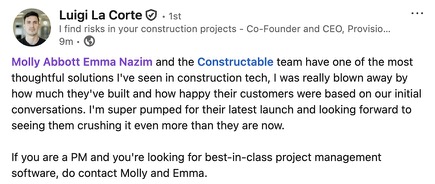
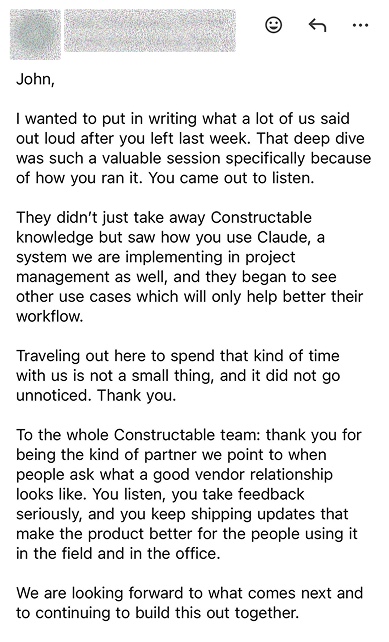
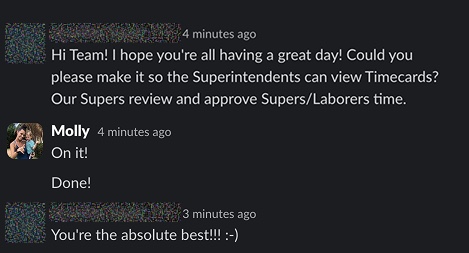
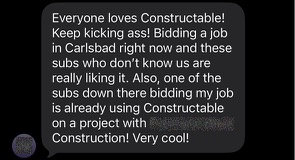
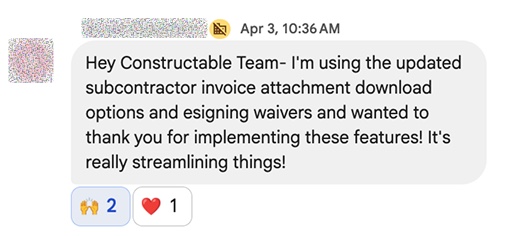
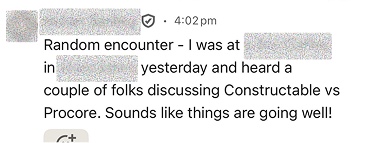
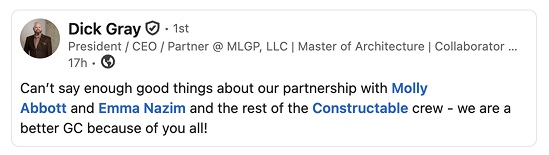
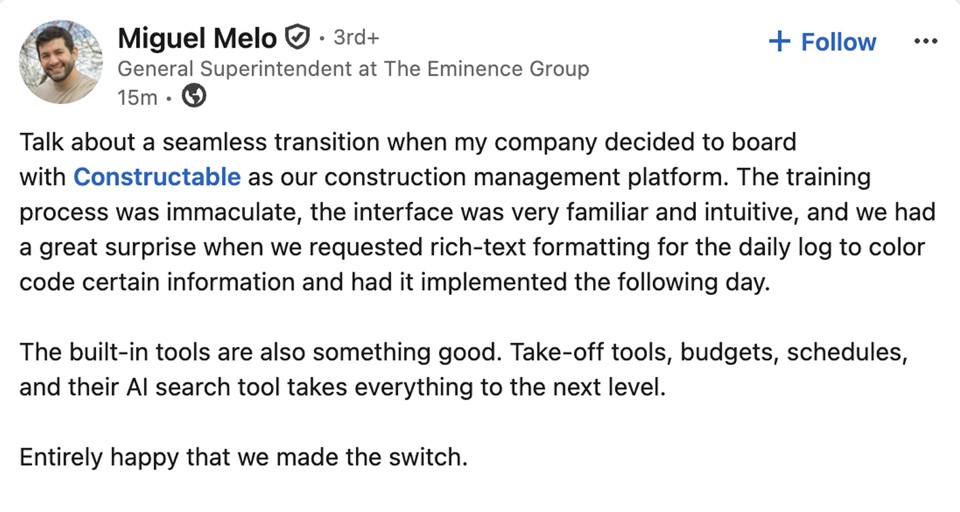
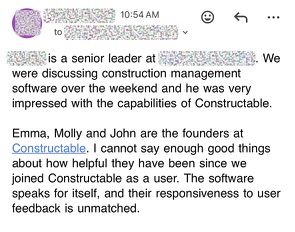
Hear from the GCs building with Constructable
Loved in the office and in the field
Take your drawings anywhere with the Constructable app for iPhone, iPad, and Android.


Know where every job stands
before month-end.
Book a 30-minute demo with our team.
WallofHappiness


















Frequently Asked Questions
Can I import my estimate or budget spreadsheet?
How do change orders affect the budget?
What's the difference between Original Budget, Budget Modifications, and Revised Budget?
Does the budget update in real time with commitments and invoices?
Do you have a WIP report for over/under billing?
Can I forecast cost at completion?
Does it integrate with Sage Intacct or QuickBooks?
Can I export the budget to Excel or PDF?
Which plan includes budgeting?
at a glance
with better bids
to the drawing